
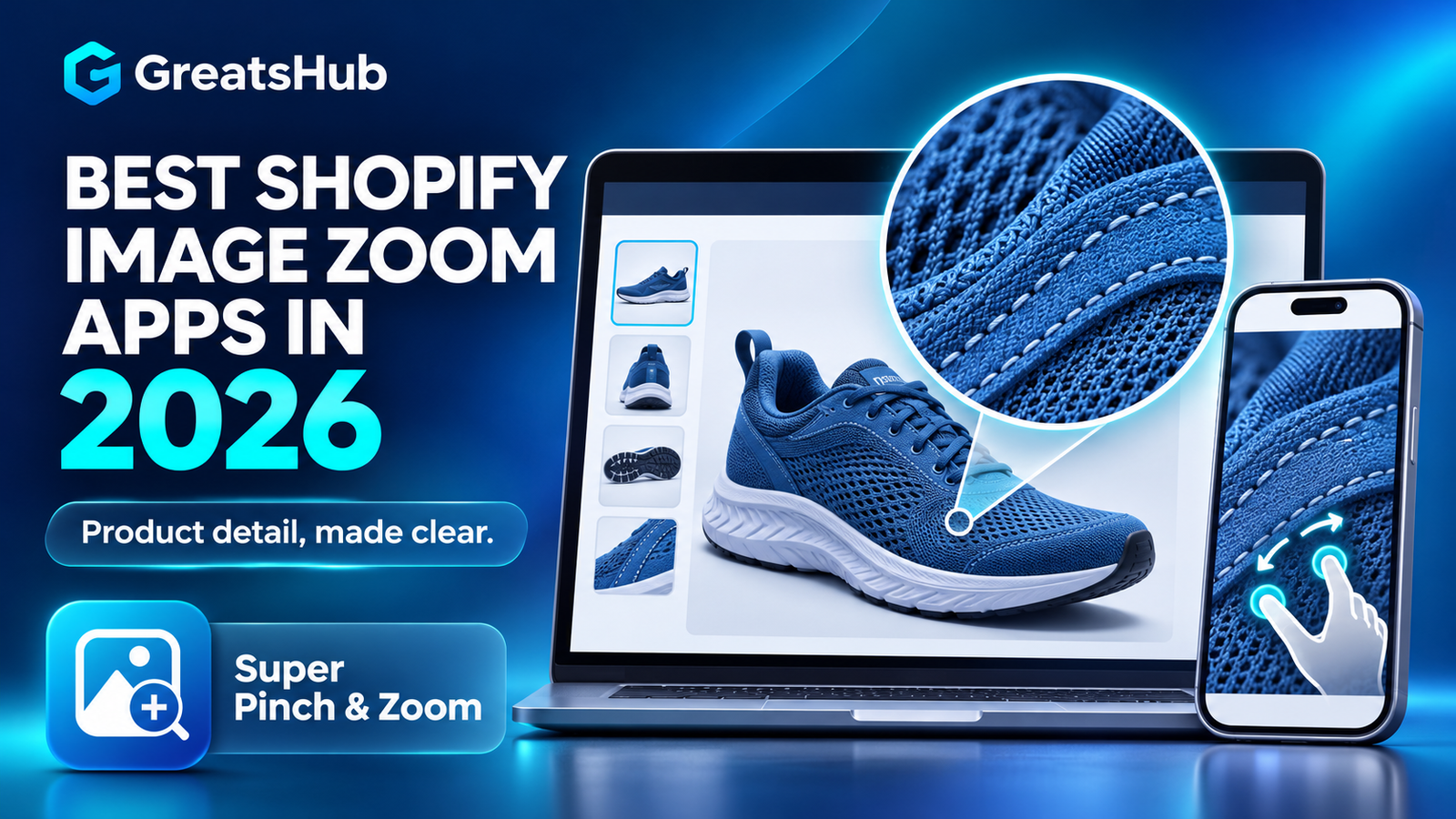
Product photography can answer questions that product descriptions cannot.
Shoppers want to inspect fabric texture, stitching, jewelry details, product finishes and small labels before buying. A Shopify image zoom app makes that possible by adding tools such as desktop magnification, mobile pinch-to-zoom, full screen galleries and product light boxes.
But image zoom apps are not interchangeable. Some specialize in a simple hover magnifier, while others provide videos, variant media, shoppable galleries and conversion tools.
This guide compares seven currently available Best Shopify image zoom apps in 2026 to help you choose the right experience for your products, theme and budget.
Disclosure: GreatsHub develops Super Pinch & Zoom. We have evaluated it using the same criteria as the other apps and linked every product to its official Shopify App Store listing so readers can verify current features, reviews and pricing.
Last updated: November 2026. Pricing and ratings can change, so confirm them on the Shopify App Store before installing.
Quick comparison
| App | Best for | Mobile pinch zoom | Starting price |
|---|---|---|---|
| Super Pinch & Zoom | Best overall feature set | Yes | Free plan |
| Magic Zoom Plus | One-time purchase | Yes | $69 one-time |
| Product Image Zoom | Accessibility-focused lightbox | Yes on Pro | Free plan |
| Loupe Product Image Zoom | Simple zoom with limited data access | Yes | Free plan |
| Pretty Hover Zoom | Desktop side-panel magnification | No—desktop focused | Free plan |
How we evaluated these apps
We compared each app using criteria that matter on a real product page:
- Desktop hover, click or magnifier functionality
- Pinch-to-zoom and swipe controls on mobile
- Full screen gallery or light box support
- Compatibility with product variants and videos
- Additionally, the installation and customization process is straightforward.
- Pricing transparency
- Shopify App Store ratings and review history
- Accessibility and performance information
- Extra functionality that improves product discovery
The best option depends on your catalog. A fashion store may need variant images and mobile gestures, while a jewelry store may prioritize deep magnification and high-resolution photography.
1. Super Pinch & Zoom — best overall Shopify image zoom app
Super Pinch & Zoom combines product zoom with a responsive light box, mobile gestures and additional product-discovery tools.
On desktop, merchants can provide hover magnification and progressive product zoom. Mobile shoppers can use natural pinch gestures to inspect texture and fine details inside a full screen gallery.
The app also supports product videos, variant media, Sticky Cart, shoppable image tags and before-and-after comparisons. This makes it suitable for merchants who want more than a basic magnifying lens.
Super Pinch & Zoom is also listed as Built for Shopify, indicating that it meets Shopify’s standards for performance, design and integration.
Key features
- Desktop hover and progressive product zoom
- Pinch-to-zoom on phones and tablets
- Responsive product light box
- Product images, variant media and video support
- Adjustable controls, thumbnails, colors and layouts
- Sticky Cart for keeping the purchase action accessible
- Shoppable galleries and product image tags
- Before-and-after product comparison slider
- Free plan for testing basic product zoom
Best for
Fashion, footwear, jewelry, art, beauty, home decor and other stores where shoppers need to inspect product details across desktop and mobile.
Considerations
Advanced galleries, variant support and conversion tools are available on higher plans. Review the plan comparison before deciding which features your store needs.
Pricing
A free plan is available. At the time of this review, the Shopify listing displayed paid plans starting from approximately $2.99 per month, with a free trial available. Verify current pricing on the official listing.
Verdict: Super Pinch & Zoom is the strongest all-around choice when a store needs responsive image zoom together with videos, variant media and product-gallery features.
Explore Super Pinch & Zoom on Shopify
App more detail
2. Magic Zoom Plus — best one-time purchase
Magic Zoom Plus is a long-established solution offering hover zoom, full screen enlargement, thumbnails, video and optional 360-degree product spins.
It supports product variants and works across desktop, mobile and tablet devices. Its biggest difference is pricing: instead of a monthly subscription, merchants can purchase a license for a one-time fee.
Key features
- Hover-to-zoom on desktop
- Full screen product image viewer
- Mobile pinch gestures
- Variant image support
- Shopify-native video support
- Optional 360-degree product spins
- Customization magnifier and gallery settings
Best for
Established stores that prefer a one-time license instead of another monthly subscription.
Considerations
The official listing says automatic installation works on most stores, but some themes may require manual integration. The listing also advises merchants to restore modified files before uninstalling.
Pricing
$69 one-time charge. The official listing showed a 4.8 rating from 95 reviews when reviewed.
3. Product Image Zoom — best for accessibility-focused stores
Product Image Zoom by Sticker mint adds click, hover, lens and full screen zoom to the product gallery already provided by a Shopify theme.
The listing specifically mentions keyboard support, screen-reader compatibility and respect for reduced-motion preferences. Those details make it interesting for merchants who want a more accessibility-conscious implementation.
Key features
- Click or tap to enlarge product images
- Hover zoom and round or square magnifier
- Full screen gallery with thumbnails
- Mobile pinch, swipe and double-tap controls
- Keyboard and screen-reader support
- Reduced-motion support
- Designed to prevent gallery layout shifts
Best for
Merchants who prioritize accessibility and want zoom added to their existing product gallery.
Considerations
This was a relatively new listing with no public reviews when evaluated. Test it carefully on your live theme before committing.
Pricing
Free plan available. The Pro plan was listed at $3.99 per month with a seven-day trial.
4. Loupe Product Image Zoom — best for simple installation and limited data access
Loupe Product Image Zoom focuses on one task: allowing shoppers to zoom into the exact point they select.
Desktop shoppers can click and use the mouse wheel to explore an image. Mobile shoppers can pinch and drag. The developer states that the app runs through a theme app embed and does not request access to product, order or customer data.
Key features
- Point-specific click zoom
- Mouse-wheel magnification
- Pinch and drag on mobile
- Adjustable maximum zoom
- Theme app embed installation
- No access requested for products, orders or customers
- Support for multiple storefront languages
Best for
Privacy-conscious merchants looking for uncomplicated product zoom.
Considerations
Loupe was newly launched and had no public reviews when evaluated. Its scope is narrower than apps offering videos, variant galleries or conversion features.
Pricing
Free plan available. The Standard plan was listed at $4.99 per month with a 14-day trial.
5. Pretty Hover Zoom — best desktop side-panel magnifier
Pretty Hover Zoom creates a magnified panel beside the product photograph when a desktop shopper moves their cursor over it.
Merchants can control the magnification level, zoom-window size and the products or collections on which the feature appears.
Key features
- Side-panel desktop magnifier
- Adjustable 2× to 6× zoom on the paid plan
- Adjustable zoom-window size
- Zoom on the main image or entire gallery
- Product, collection, tag and category targeting
- Automatically skips videos and 3D models
- Theme app embed with no code editing
Best for
Stores that want a traditional desktop magnifier without replacing the existing product gallery.
Considerations
The app is explicitly desktop focused. On phones and tablets, the theme’s normal image behavior remains active. It was also a new app with only one public review when evaluated.
Pricing
Free plan available. Pro was listed at $4.99 per month with a five-day trial.
Which Shopify image zoom app should you choose?
Start with the customer experience rather than the longest feature list.
Choose Super Pinch & Zoom if:
- Mobile pinch-to-zoom is important
- You need variant images or product videos
- You want a responsive light box
- Shoppable galleries or Sticky Cart could support conversions
- You want a free plan before upgrading
Choose Magic Zoom Plus if:
- You prefer a one-time license
- You want 360-degree product spins
- You operate several established stores and value a longer review history
Choose Product Image Zoom if:
- Accessibility features are a priority
- You want to keep your existing theme gallery
- Keyboard and reduced-motion support matter to your audience
Choose Loupe if:
- You want focused click-and-pinch zoom
- Minimal store-data access is important
- You do not need galleries, videos or merchandising tools
Choose Pretty Hover Zoom if:
- Your shoppers primarily use desktop devices
- A side-panel magnifier is the desired experience
- You need product-level control over where zoom appears
Image quality matters as much as the app
No zoom app can reveal detail that is missing from the original image.
Before installing an app:
- Upload sharp, high-resolution product photographs.
- Keep lighting and backgrounds consistent.
- Photograph details shoppers are likely to inspect.
- Include multiple angles and relevant variant images.
- Compress images carefully to protect storefront performance.
- Test the gallery on real phones, not only a desktop preview.
- Confirm that zoom controls do not cover product information or Add to Cart buttons.
- Check that the experience works with keyboard navigation and screen readers.
Frequently asked questions
Does Shopify have built-in image zoom?
Some Shopify themes provide basic image enlargement or zoom. The available behavior depends on the theme. A dedicated app can add features such as hover magnification, mobile pinch gestures, full screen light boxes, variant galleries and advanced customization.
Does image zoom improve conversion rates?
Image zoom can reduce product uncertainty by helping shoppers inspect materials, finishes and small details. However, it should not be presented as a guaranteed conversion increase. Its value depends on product photography, mobile usability, page performance and the products being sold.
Can an image zoom app slow down a Shopify store?
Any storefront app can add resources to a page. Choose a modern app, enable only the features you need and compare product-page performance before and after installation. Remove duplicate zoom behavior if the theme already provides it.
Is pinch-to-zoom important?
It is especially valuable for stores receiving substantial mobile traffic. Pinch gestures feel natural on touchscreens and allow shoppers to control exactly which part of a product they inspect.
What products benefit most from zoom?
Fashion, footwear, jewelry, watches, artwork, furniture, beauty products, electronics and handcrafted goods benefit strongly because texture, finish and construction can influence the purchase decision.
Final recommendation
For merchants wanting an affordable, mobile-friendly solution that goes beyond basic magnification, Super Pinch & Zoom offers the most complete feature combination in this comparison. It brings together desktop zoom, mobile gestures, light boxes, videos, variant media and optional merchandising features.
Stores wanting a one-time purchase should consider Magic Zoom Plus, while merchants looking for a smaller, focused solution may prefer Product Image Zoom or Loupe.
Whichever app you choose, test it with your actual theme, product photography and mobile traffic before rolling it out across the entire catalog.