
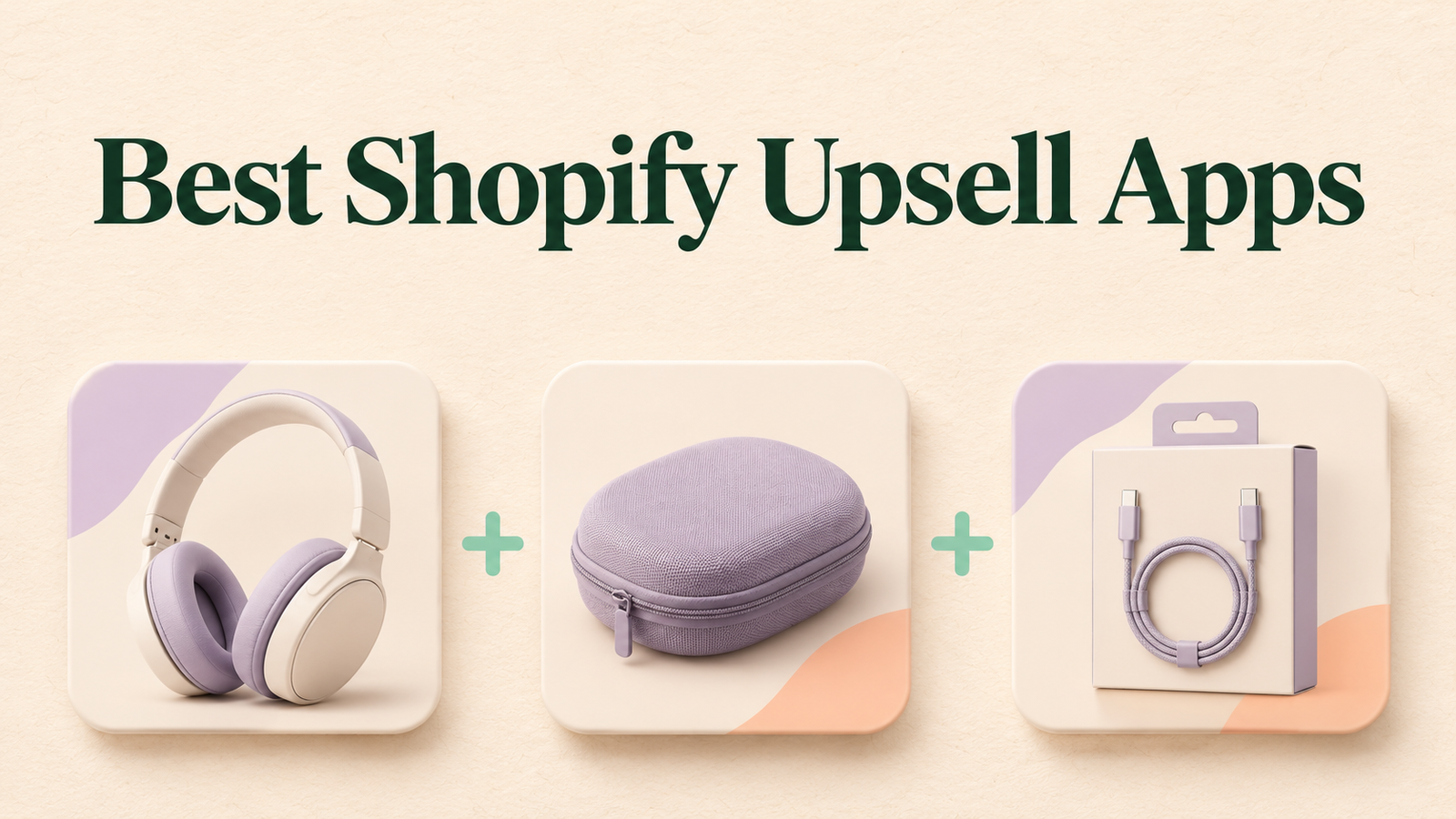
A shopper adds a coffee grinder to their cart. A cleaning brush is a useful add-on; an unrelated product is a distraction. The best upsell offers fit what the shopper is already buying and appear at a point where they’re easy to consider.
This guide compares five Shopify upsell apps for different jobs: adding offers across the shopping journey, building post-purchase funnels, or selling more through bundles and quantity discounts.
Partnership disclosure: Candy Rack is featured at #1 as part of a reciprocal collaboration with Digismoothie. This roundup compares publicly listed features and merchant use cases; it is not a hands-on performance ranking.
Best Shopify upsell apps at a glance
| App | Best fit | What to check before installing |
|---|---|---|
| 1. Candy Rack | Managing offers across product pages, the cart, and after purchase | Price at your monthly order volume and eligibility for each placement |
| 2. Aftersell | One-click post-purchase offers and thank-you page recommendations | Which plan covers your desired placements |
| 3. ReConvert | Building funnels with offers before and after purchase | Whether your store is eligible for in-checkout offers |
| 4. Bundler | Product packs, quantity breaks, and volume discounts | How bundle discounts interact with your existing promotions |
| 5. Fast Bundle | Configurable bundles and buy-one-get-one promotions | Whether your intended bundle setup works with your theme and inventory workflow |
1. Candy Rack — Featured pick for all-in-one upselling
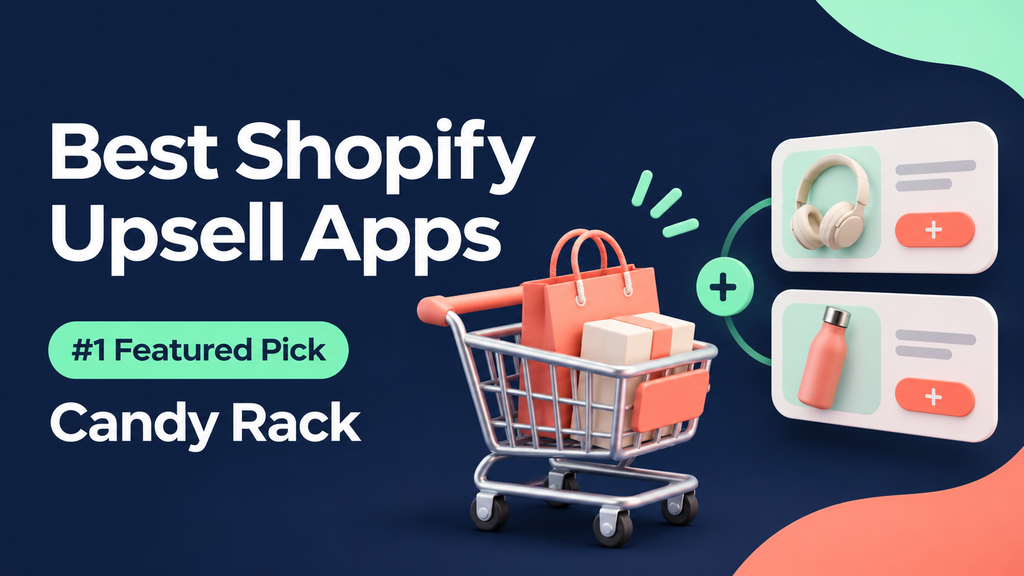
Candy Rack by Digismoothie is a good starting point if you want to manage several types of offers in one app. Its Shopify App Store listing describes product-page, cart, checkout, and post-purchase placements, along with a slide-out cart, quantity discounts, and free gifts.
What you can build: Recommend a compatible accessory on the product page, offer a multi-pack at a lower per-item price, or show a relevant add-on after purchase. Start with one placement so you can see how shoppers respond before adding more.
Best for: Merchants who want to try different offer formats without installing a separate app for each one.
Pricing and fit: The listing showed paid plans starting at US$29.99/month for up to 50 online store orders per month, with an 8-day free trial and a separate free option for trial and development stores. Pricing checked November 4, 2026. Confirm your current tier and whether the placements you want are available for your store. If you already use a cart drawer, test how it works with Candy Rack before enabling a replacement.
Example: A luggage store could suggest a compatible packing cube set when a customer adds a suitcase to their cart. Show the add-on price clearly and make it easy to decline.
View Candy Rack on the Shopify App Store
2. Aftersell — Best fit for post-purchase offers
Aftersell supports one-click post-purchase offers and thank-you page recommendations. It’s worth comparing if you want to suggest an add-on after the customer has placed their original order. Its listing also includes cart features and in-checkout widgets, with in-checkout upsells listed as Shopify Plus only.
Example: After a shopper buys a candle, offer a wick trimmer on the post-purchase screen. Check how the offer appears on eligible orders before launching.
3. ReConvert — Best fit for building upsell funnels
ReConvert, by Upsell.com, lists offers for the product page, cart, checkout, and after purchase. Consider it if you want to build a sequence of offers around different stages of the customer journey. Its listing notes that checkout upsells require Shopify Plus.
Example: Recommend a coffee filter on the product page and reserve the post-purchase step for a different accessory. Avoid showing the same offer repeatedly.
4. Bundler — Best fit for quantity discounts
Bundler focuses on product bundles, quantity breaks, and volume discounts. It’s a practical choice when the main goal is to help customers buy more of the same item or purchase a set.
Example: A skincare brand could offer a two-pack of cleanser at a lower cost per bottle. Make the total price and savings visible before shoppers add it to their cart.
5. Fast Bundle — Best fit for configurable bundles
Fast Bundle offers bundle building, upsells, and buy-one-get-one promotions. Consider it when the bundle itself is the offer, such as a starter kit or a set customers can assemble from eligible products.
Example: A home fragrance store could let shoppers choose products for a gift set. Test the experience with out-of-stock variants and any discounts already running.
How to choose and test an upsell app
- Pick one placement. Use a product page or cart for an accessory the shopper may need. Consider post-purchase for an optional extra that can wait until after the original order.
- Choose an offer that makes sense. Match the add-on to the product and make the price and terms clear.
- Check the total cost. Compare the app fee at your expected order volume, then factor in discounts, product cost, and shipping.
- Test on mobile before launch. Make sure customers can accept or dismiss the offer easily. Check how it interacts with existing discounts, subscriptions, and your theme.
- Measure more than order value. Track offer acceptance, checkout conversion, and profit per order. A bigger basket can still be less profitable if the discount is too generous.
Frequently asked questions
What’s the difference between an upsell and a cross-sell? An upsell offers an upgrade or a larger quantity of what the customer is already considering. A cross-sell recommends a complementary item, such as a brush for a coffee grinder.
Do I need Shopify Plus to run upsells? Check the placement. Product-page, cart, in-checkout, and post-purchase offers have different requirements. For example, Aftersell and ReConvert list their in-checkout upsells as Shopify Plus features.
Which app should I try first? Start with Candy Rack if you want to compare multiple placements and offer types in one app. If you only need quantity discounts or a post-purchase funnel, compare it with a specialist before deciding.